Quick Lyrics AI2.1.0
Continue to app
Free Version
Publisher Description
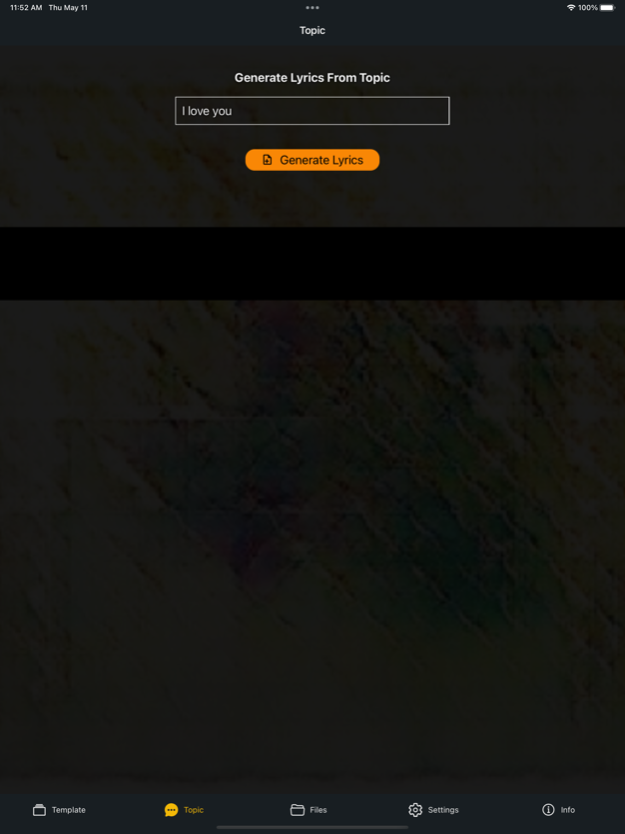
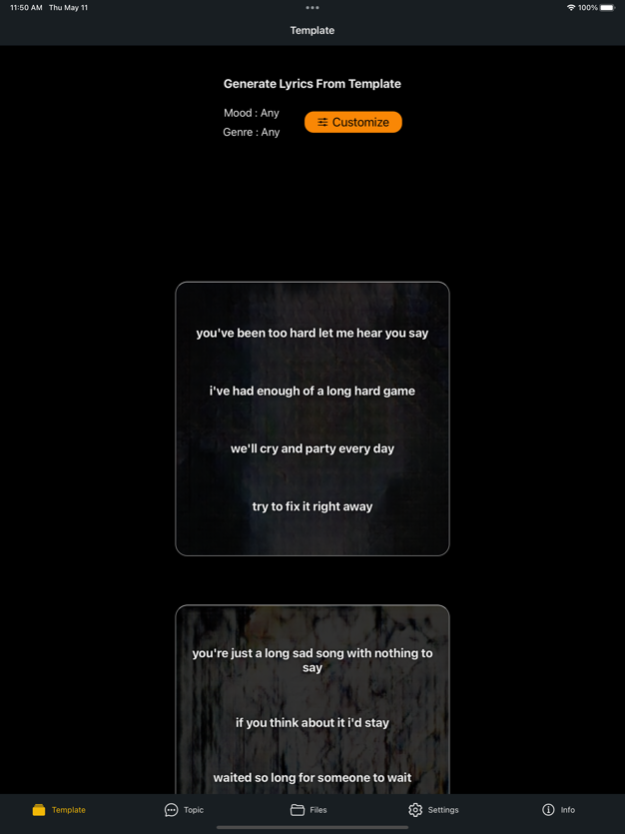
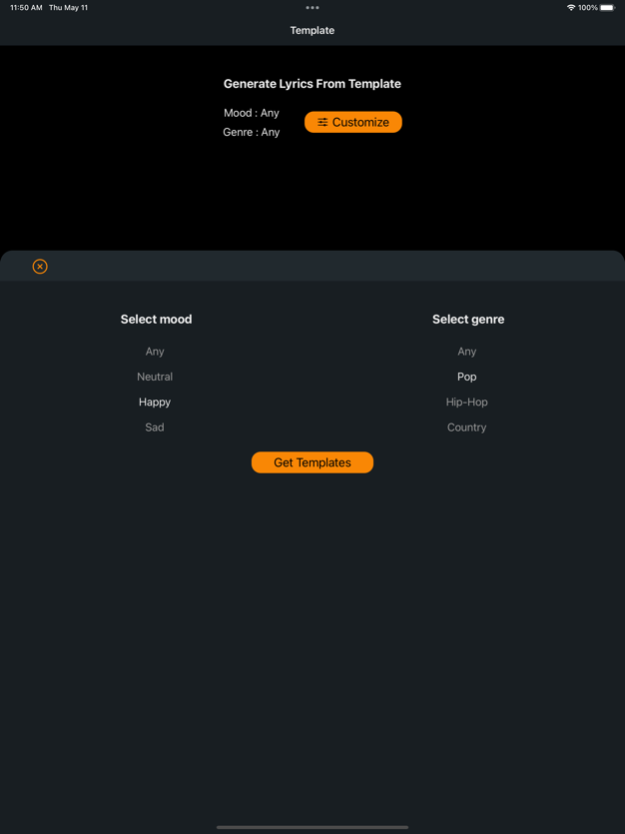
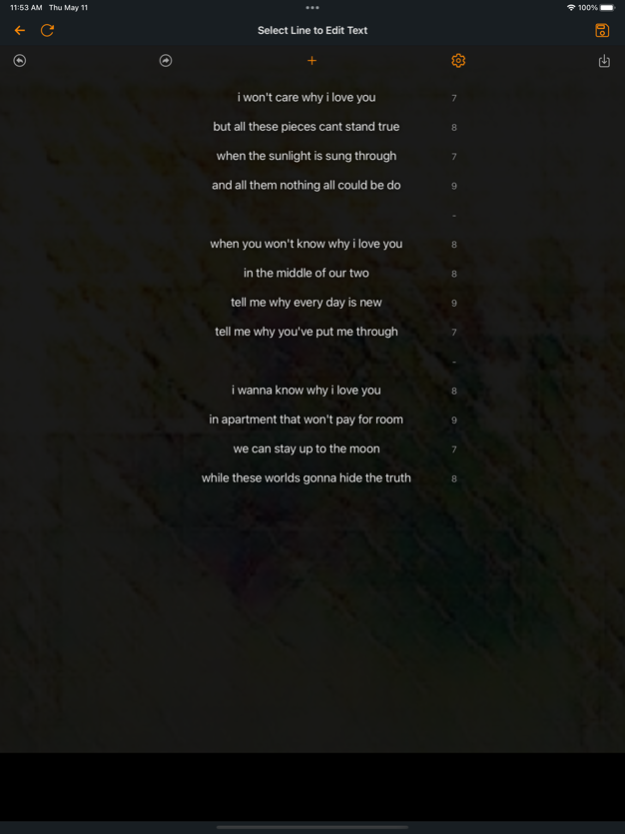
Need a way to write lyrics or a poem quickly?
This AI lyrics and poetry generator can get you started fast
Enter a topic
Or browse templates based on a mood or genre
And the AI will generate rhyming verses for you
Customize the lines by editing or replacing the line with suggestions
Save, copy, and export the file
Private and secure; all files are saved onto your device
No sign up or login necessary
Jan 11, 2024
Version 2.1.0
UX updates
About Quick Lyrics AI
Quick Lyrics AI is a free app for iOS published in the Office Suites & Tools list of apps, part of Business.
The company that develops Quick Lyrics AI is Audoir, LLC. The latest version released by its developer is 2.1.0.
To install Quick Lyrics AI on your iOS device, just click the green Continue To App button above to start the installation process. The app is listed on our website since 2024-01-11 and was downloaded 5 times. We have already checked if the download link is safe, however for your own protection we recommend that you scan the downloaded app with your antivirus. Your antivirus may detect the Quick Lyrics AI as malware if the download link is broken.
The company that develops Quick Lyrics AI is Audoir, LLC. The latest version released by its developer is 2.1.0.
To install Quick Lyrics AI on your iOS device, just click the green Continue To App button above to start the installation process. The app is listed on our website since 2024-01-11 and was downloaded 5 times. We have already checked if the download link is safe, however for your own protection we recommend that you scan the downloaded app with your antivirus. Your antivirus may detect the Quick Lyrics AI as malware if the download link is broken.
How to install Quick Lyrics AI on your iOS device:
- Click on the Continue To App button on our website. This will redirect you to the App Store.
- Once the Quick Lyrics AI is shown in the iTunes listing of your iOS device, you can start its download and installation. Tap on the GET button to the right of the app to start downloading it.
- If you are not logged-in the iOS appstore app, you'll be prompted for your your Apple ID and/or password.
- After Quick Lyrics AI is downloaded, you'll see an INSTALL button to the right. Tap on it to start the actual installation of the iOS app.
- Once installation is finished you can tap on the OPEN button to start it. Its icon will also be added to your device home screen.
Program Details
System requirements
Operating systems
iOS
Download information
File size
30.7 MB
Total downloads
5
Pricing
License model
Free
Price
Version History
Here you can find the changelog of Quick Lyrics AI since it was posted on our website on 2023-06-21. The latest version is 2.1.0 and it was updated on Soft112 on 09 October, 2026. See below the changes in each version:
version 2.1.0
posted on 2024-01-11
Jan 11, 2024
Version 2.1.0
UX updates
version 2.0.0
posted on 2023-08-23
Aug 23, 2023
Version 2.0.0
Improved AI and UX
version 1.7.1
posted on 2023-07-28
Jul 28, 2023
Version 1.7.1
Autosave feature
version 1.6.6
posted on 2023-06-13
Jun 13, 2023
Version 1.6.6
UI updates
